
Build your digital wardrobe.
Snap a photo or share a shop link. Give every piece, from your everyday knit to your favorite ring, a place in your wardrobe.
Explore the digital wardrobe →Your wardrobe, on iPhone and the web.
Put your clothes in one digital wardrobe. Ask Foldy, your AI stylist, for outfit ideas and see a look on your own photo with virtual try-on.
Free to use, with daily limits. More plans are on the way. Ages 18+. iPhone requires iOS 26 or later.
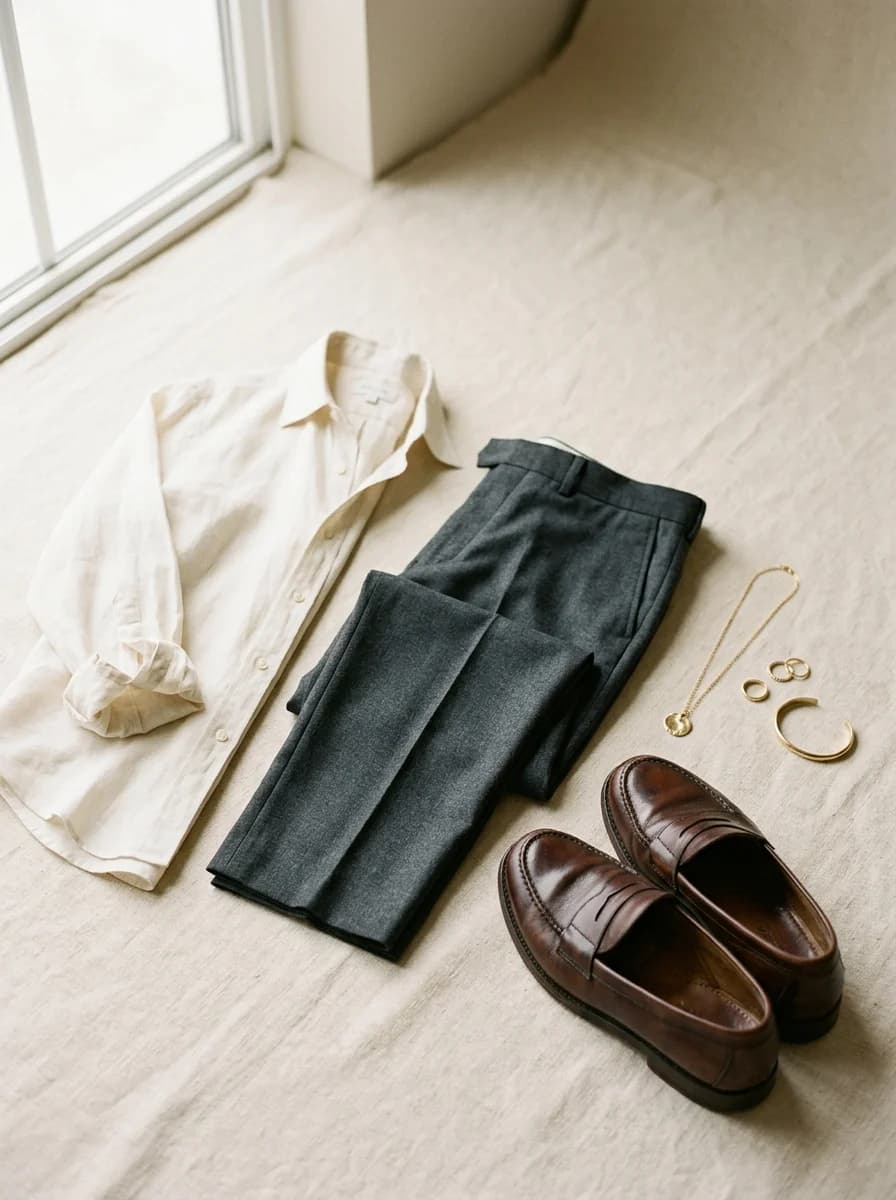
A little less “nothing to wear.”
Snap a photo or share a shop link. Give every piece, from your everyday knit to your favorite ring, a place in your wardrobe.
Explore the digital wardrobe →Tell your stylist what’s on your day. Explore looks built around your clothes, your preferences, and how you want to feel.
Meet your AI outfit planner →Save a good outfit for another day. Add your photo to explore a virtual try-on before you get dressed.
See how virtual try-on works →
Now on iPhone. Your clothes, saved looks and conversations with Foldy go with you.
 Scan to download
Sign in with the same account to pick up where you left off.
Get StyleOS for iPhoneFree to use, with daily limits. More plans are on the way. For adults 18+. Requires iOS 26 or later.
Prefer your browser? Use StyleOS on the web or sign in.
Before you get started
StyleOS is a digital wardrobe and AI outfit planner for adults 18 and over. Add photos of your clothes, ask Foldy for outfit ideas, save looks and explore virtual try-on with your own photo.
Free to use, with daily limits. More plans are on the way. Create an account to keep your wardrobe and saved outfits together.
Yes. Download StyleOS from the App Store for iPhone with iOS 26 or later. Sign in with the same account to use your wardrobe, saved looks and Foldy conversations. You can also use StyleOS in your phone or computer browser without downloading anything.
No. Start with a few pieces you wear often. Foldy can help you find combinations as your wardrobe grows. You can add items with your own photos or import a retailer link when the page is accessible.
No. It creates an AI image to help you picture an outfit. It cannot measure fit, guarantee a size or reproduce every fabric detail. Check the actual garments before deciding.
StyleOS has no public wardrobe feed. Its service providers process the data needed to run the app, including photos used for AI features. The privacy page names those providers and explains what they receive. You can delete your account from your profile.
Read our privacy policy or get in touch for more help.